
Craft
Read our comprehensive review of Craft, the ultimate document and task management app designed to streamline your daily workflow and organize your ideas.
The Challenge of Modern Digital Fragmentation
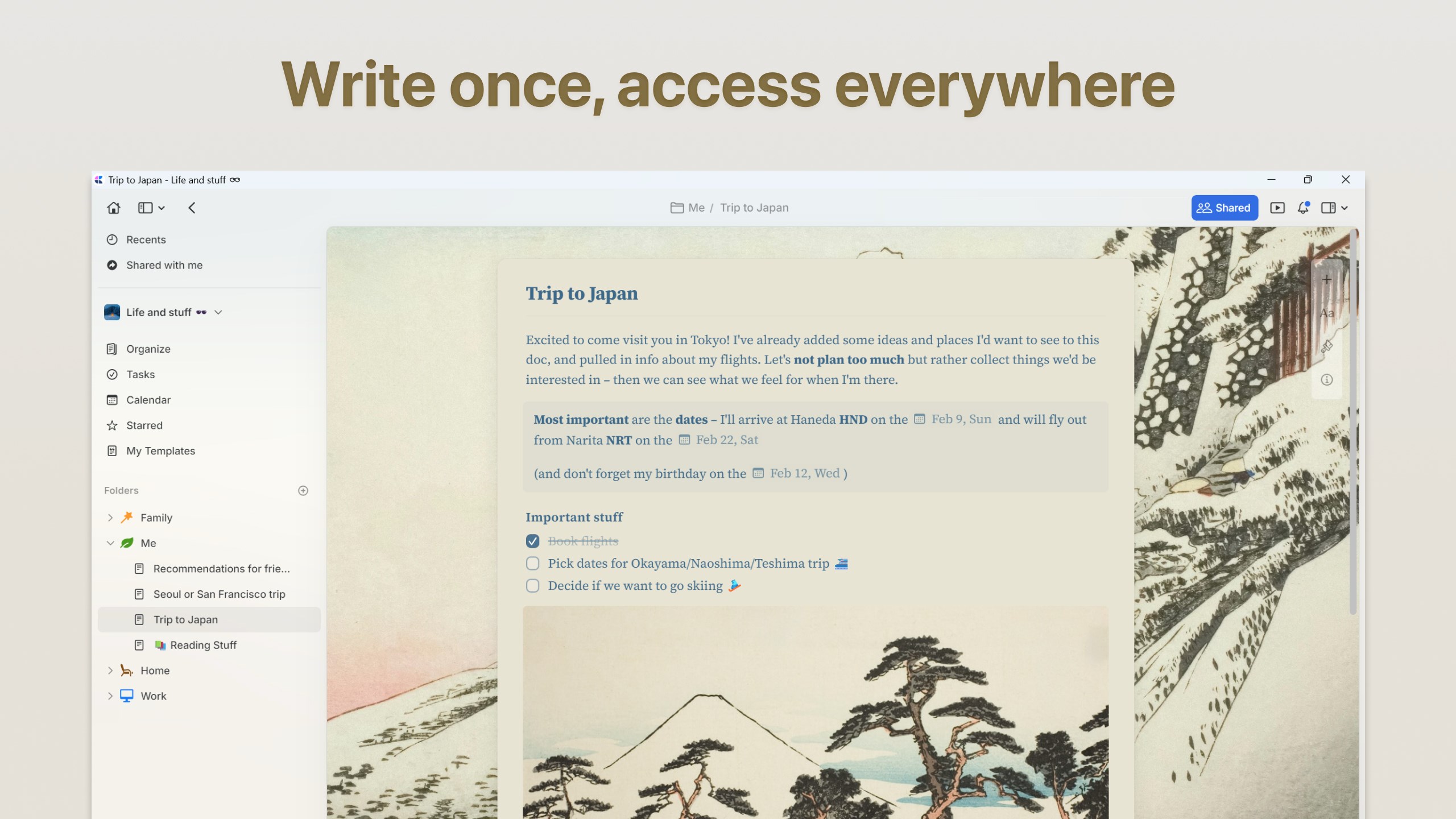
In today's fast-paced digital environment, we often find ourselves switching between a dozen different apps just to manage our daily lives. We use one tool for writing down quick thoughts, another for managing professional projects, and yet another for tracking our daily to-do lists. This constant context-switching scatters our focus and leaves our ideas fragmented. The Craft document and task management app solves this exact problem by uniting your writing, planning, and task execution into one fluid, beautifully designed workspace on Windows.
What is the Craft Document and Task Management App?
Craft, developed by Craft Docs Limited, is a highly sophisticated productivity application designed to help you structure information your way. Far from being just another basic text editor, it serves as a dynamic knowledge base where your notes, tasks, and databases interact seamlessly. Whether you are drafting a detailed work project, keeping a personal journal, or organizing complex data collections, this application adapts to your unique workflow.
Key Features of Craft
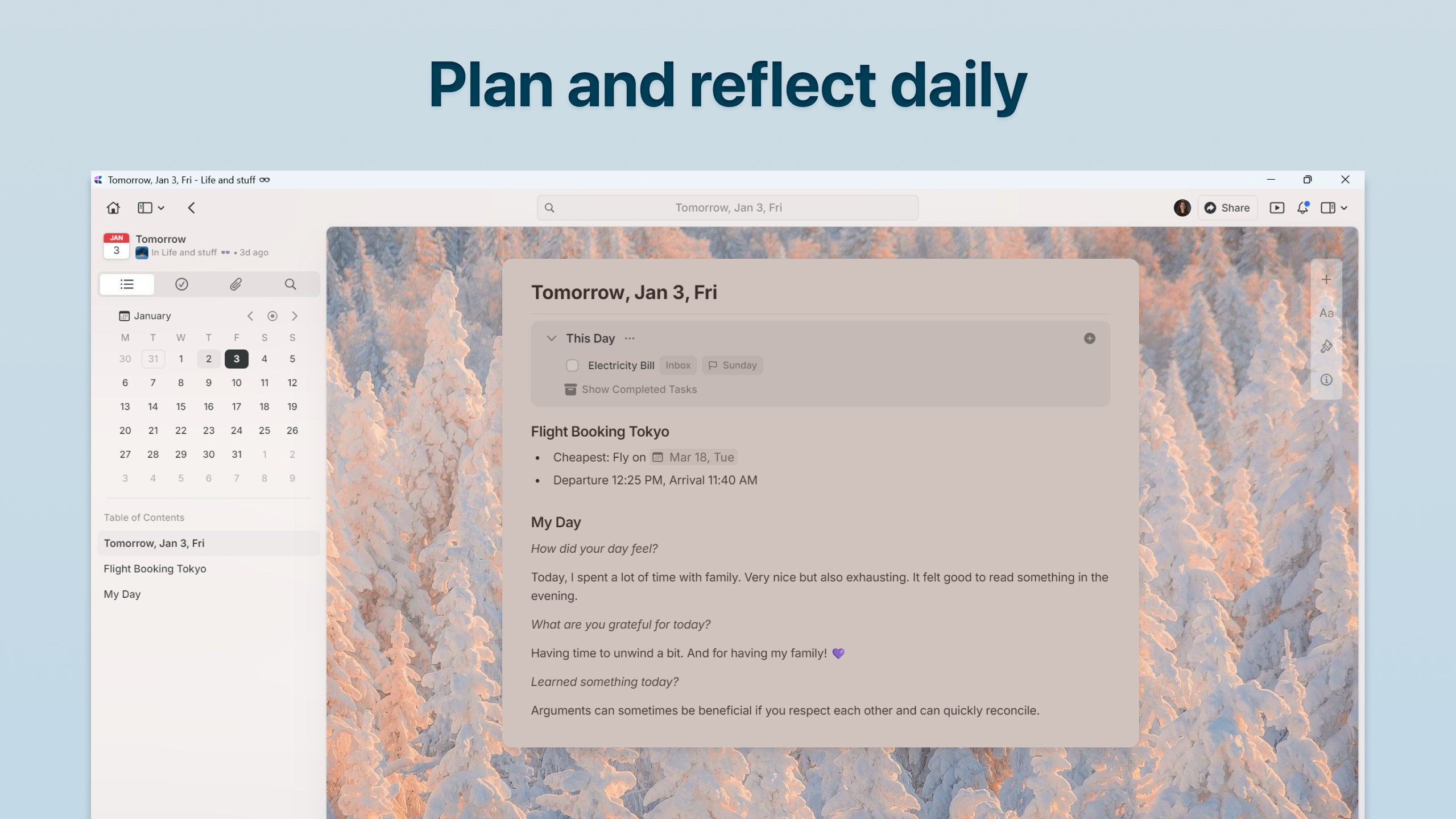
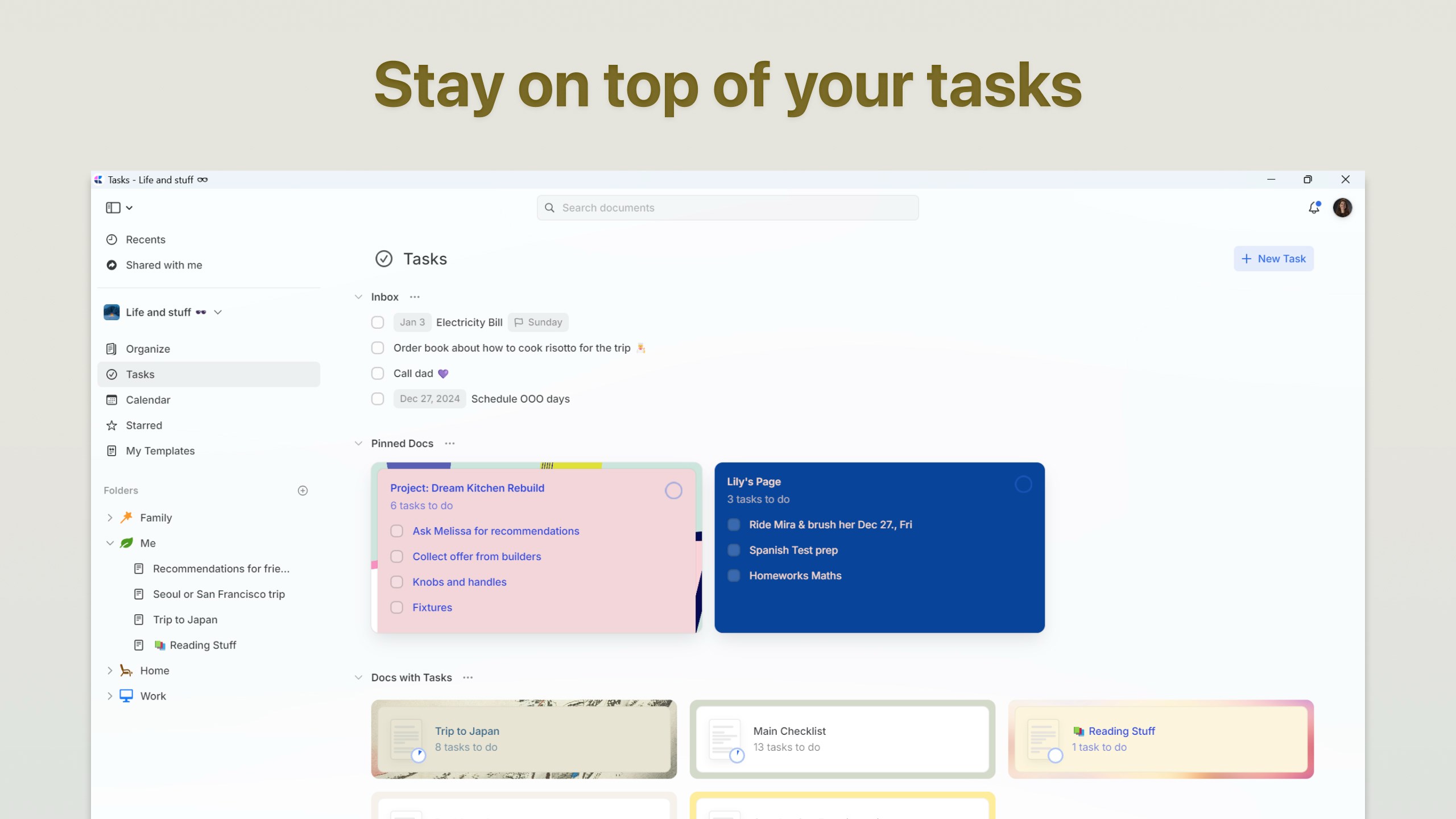
- Unified Task Management: Capture action items directly from your notes. With a dedicated Inbox, task pinning, due dates, and reminders accessible from a unified sidebar, you will never lose track of important deliverables.
- Dynamic Collections: Transform standard documents into interactive databases. You can embed customizable lists of records complete with custom properties, tags, and connected blocks to build an interconnected web of information.
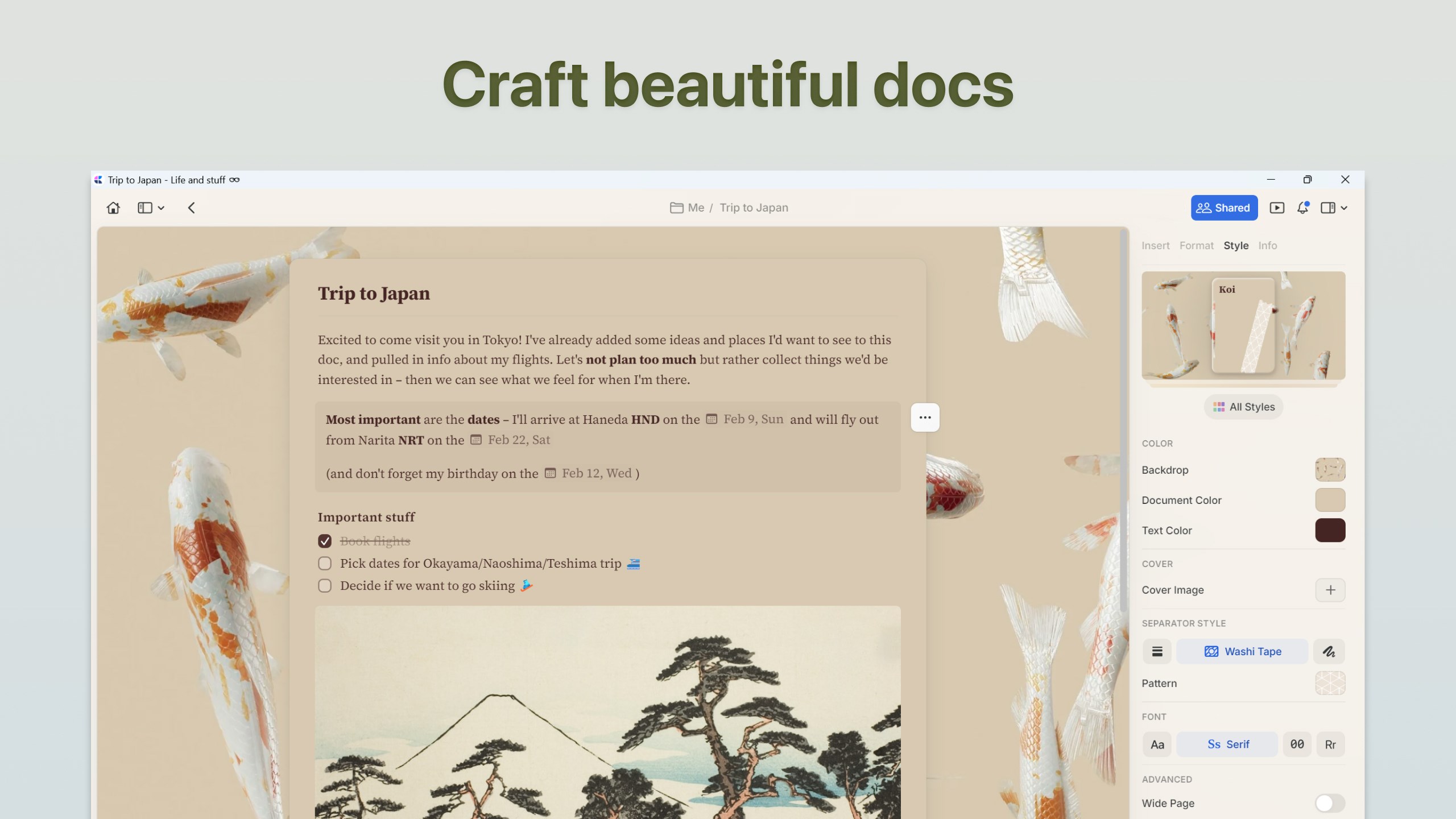
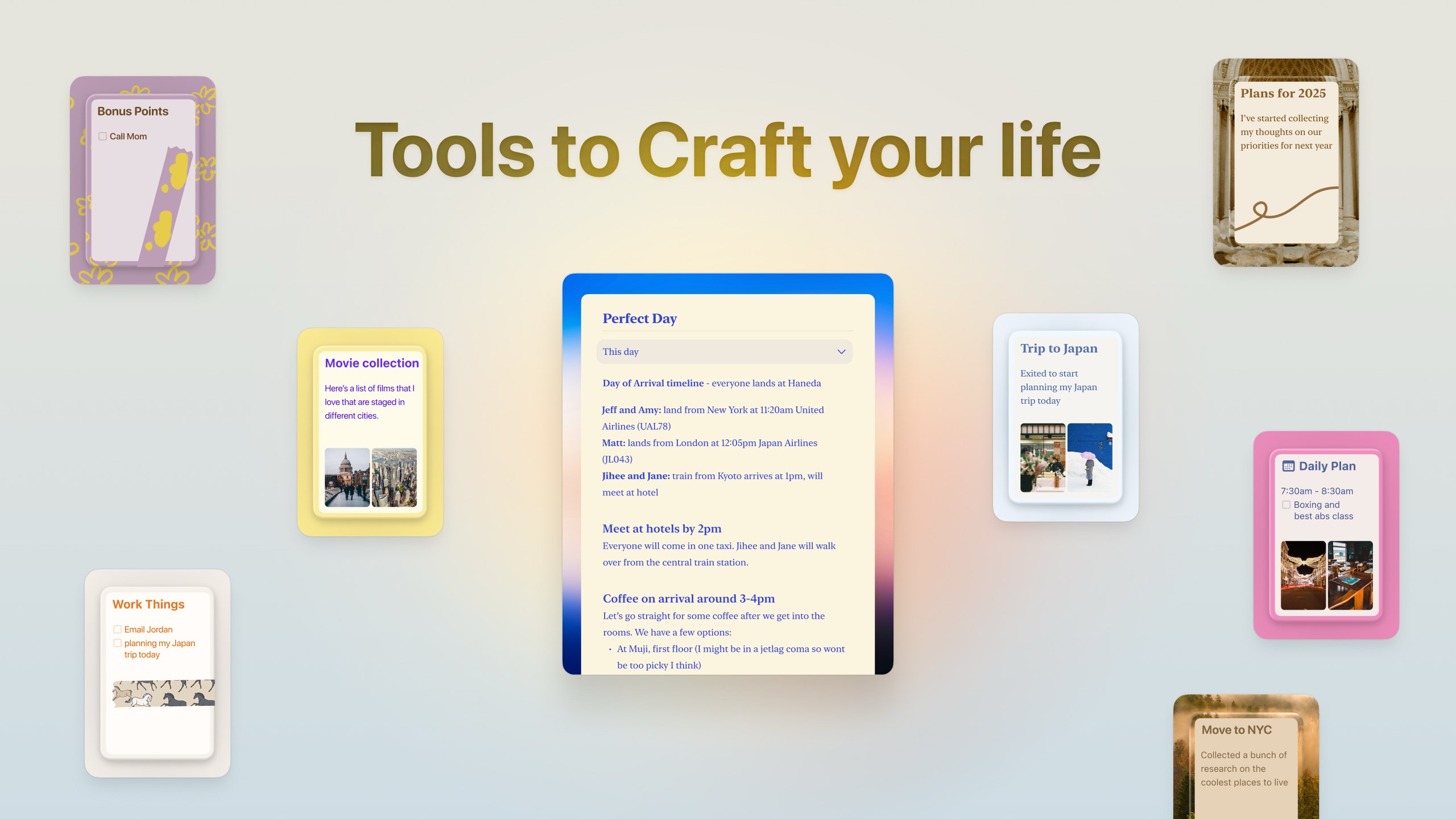
- Tailored Personal Aesthetics: Create and apply custom style presets across your documents. This ensures your workspace remains highly professional and visually consistent without sacrificing your personal brand.
- Daily Notes & Calendar Integration: Effortlessly plan your schedule, track habits, and reflect on your week using the dedicated Daily Notes section and integrated calendar view.
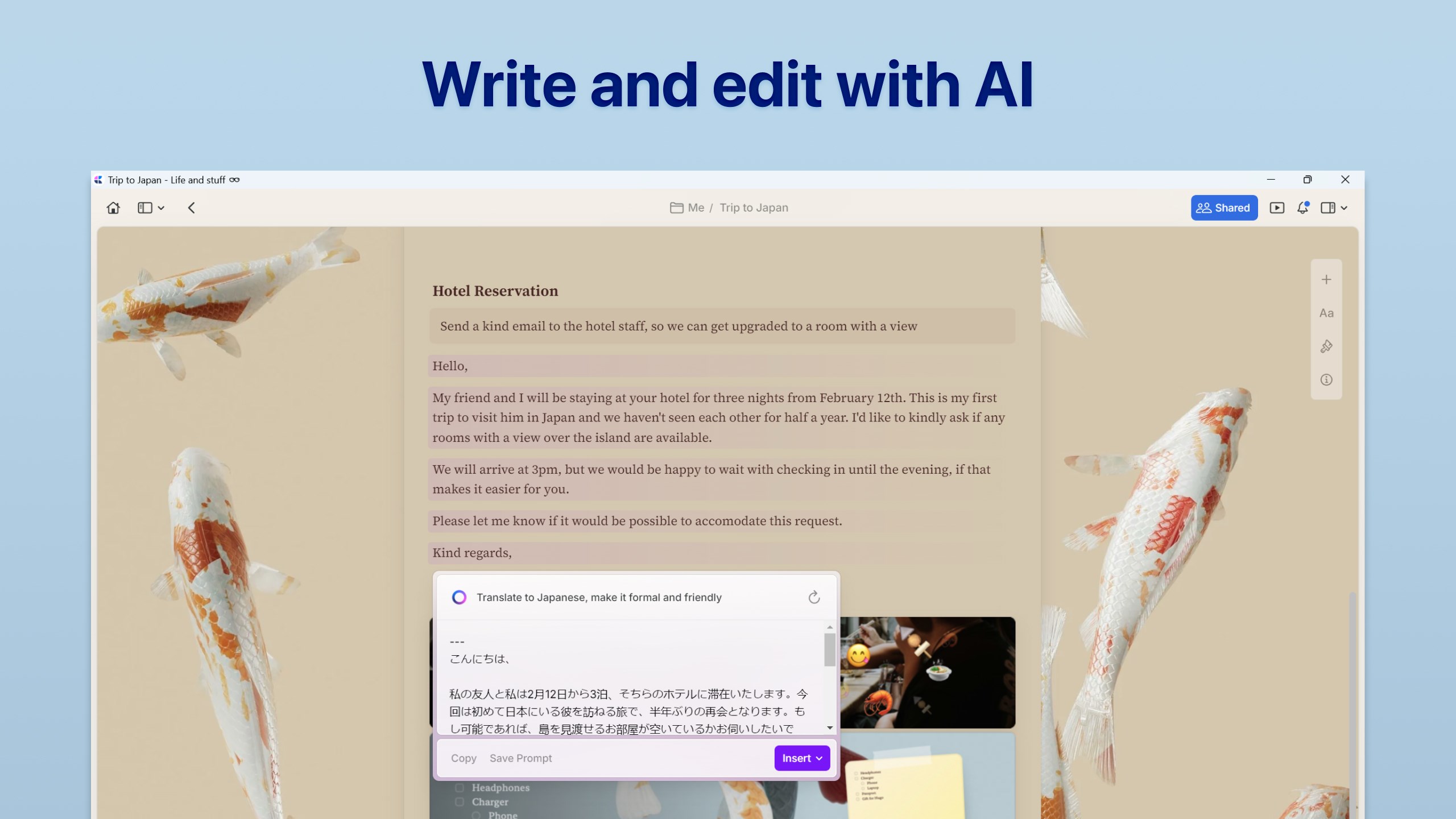
- AI-Powered Editing Assistant: Accelerate your writing process by instantly summarizing long documents, brainstorming fresh ideas, or modifying your tone with the built-in AI assistant.
Who is This Productivity Tool For?
The Craft document and task management app is ideal for professionals, creators, and students who require structure without rigidity. If you find traditional folder systems limiting, Craft’s ability to link blocks and mentions across different collections allows you to build a natural, growing knowledge graph. It is particularly well-suited for Windows users who value offline capability, keyboard shortcuts, markdown support, and polished aesthetics in their daily tools.
Our Editorial Verdict
Craft stands out in a crowded productivity market by refusing to compromise on either form or function. It successfully merges the structured power of databases with the effortless flow of a modern writing tool. If you are ready to consolidate your notes, tasks, and projects into a single, cohesive ecosystem, we highly recommend exploring this application. To experience this streamlined workflow firsthand, check out the official Windows Store page to get started with Craft today.