

YMailTab
Discover YMailTab, the lightweight Mac menu bar utility for instant Yahoo Mail access. Read our full review of its features, design, and usability.
Streamlining Your Inbox with YMailTab Yahoo Mail Access
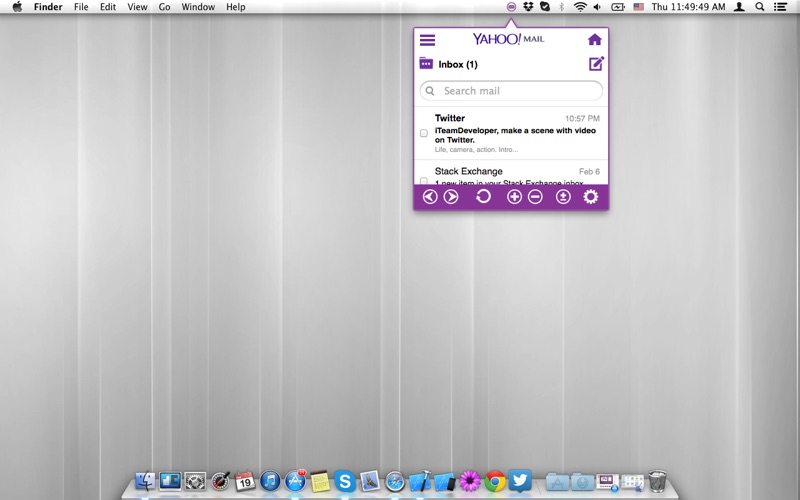
Managing an active email inbox can be a constant distraction, especially when you have to keep a browser tab open all day. The YMailTab Yahoo Mail access utility for Mac, developed by CAFFEINATETECH SRL, offers a streamlined solution to this common productivity hurdle. By housing your inbox directly within your macOS menu bar, this lightweight software category utility aims to eliminate browser clutter and simplify how you interact with your digital correspondence.
Who is YMailTab For?
This menu bar utility is primarily designed for Yahoo Mail users who want quick, distraction-free access to their messages. It is an excellent fit for:
- Busy Professionals: Keep an eye on incoming business communications without leaving your active workspace or design software.
- Minimalists: Users who prefer a clean desktop environment and want to reduce the number of open Safari or Chrome tabs.
- Casual Communicators: Anyone who wants to write a quick reply or check their folders with a single, rapid click.
Key Features of the App
Despite its lightweight footprint, this utility provides several practical features designed to optimize your daily workflow:
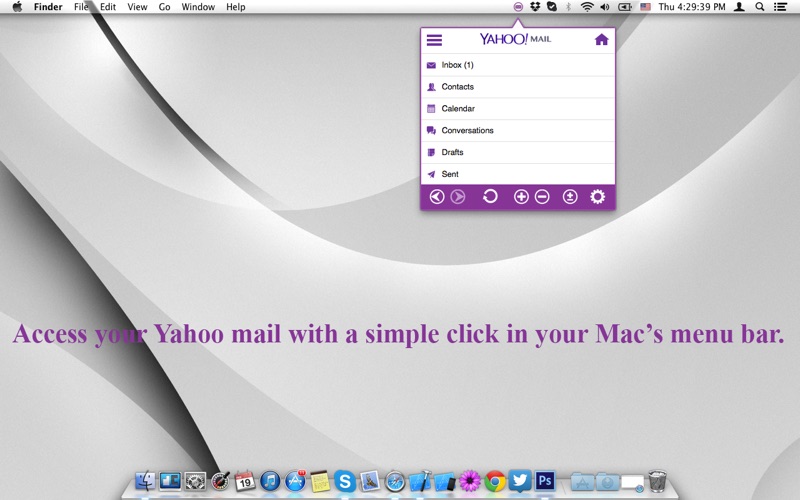
- Instant Menu Bar Access: Open, read, and manage your emails instantly from the top of your Mac screen.
- Flexible Interface: Features a fully resizable window so you can adjust your viewing area to match your screen real estate.
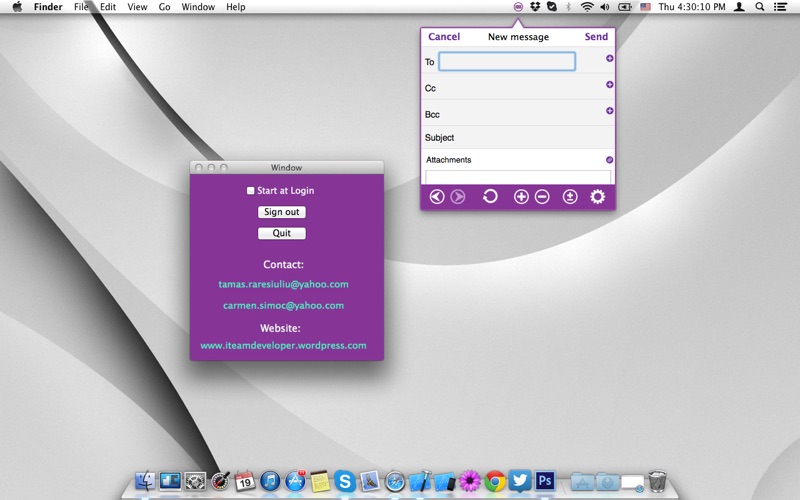
- Auto-Launch Option: Configure the application to launch automatically at login, ensuring your mail is ready the moment you start your computer.
- Quick Drafts: Open a compose window with a single click to send off urgent messages without delay.
Is the YMailTab Yahoo Mail Access Tool Right for You?
If you find yourself constantly switching back and forth between your browser and other applications just to check your inbox, adopting a dedicated menu bar tool can save you valuable time. While it functions as a third-party wrapper rather than an official client, its clean and simple presentation makes it a highly functional companion for casual and professional users alike.
Ready to streamline your email workflow? You can explore the application details and view user feedback directly on the official Mac App Store page to see if it fits your daily routine.