

System Monitoring Center
Read our comprehensive review of System Monitoring Center, a lightweight, feature-rich Linux system monitor designed for real-time hardware tracking.
When managing a Linux environment, keeping a close eye on your hardware's health and resource allocation is essential. The System Monitoring Center Linux system monitor, developed by Hakan Dündar, offers an elegant, highly detailed, and resource-efficient solution for users who need real-time telemetry without the heavy overhead of traditional monitoring tools.
An Intuitive Interface for Real-Time Linux Telemetry
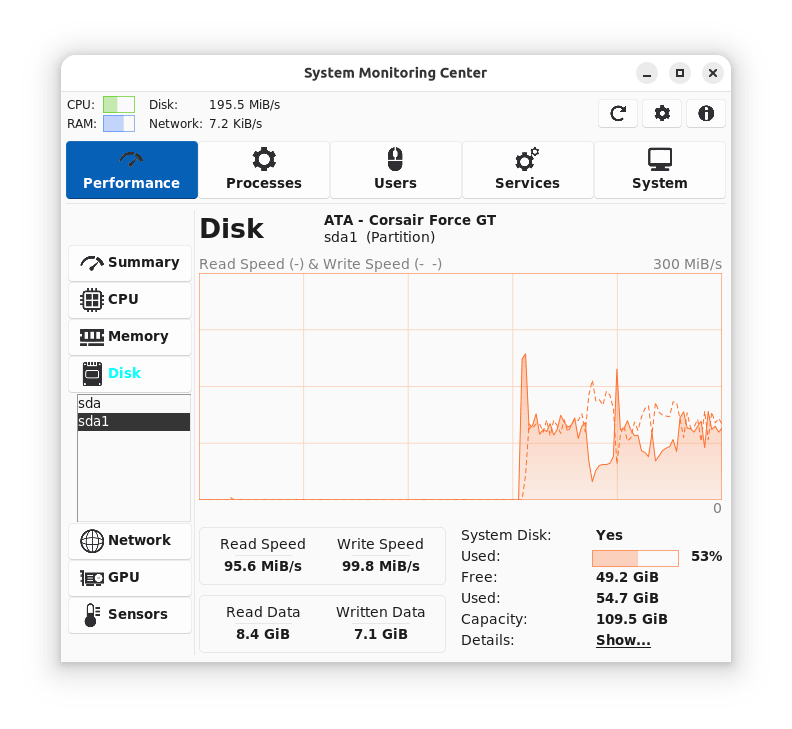
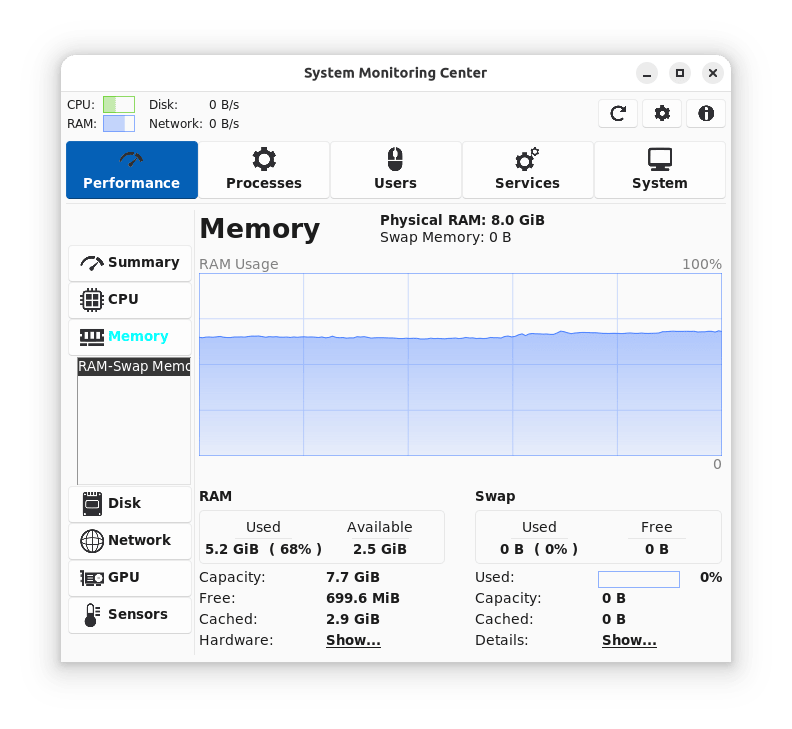
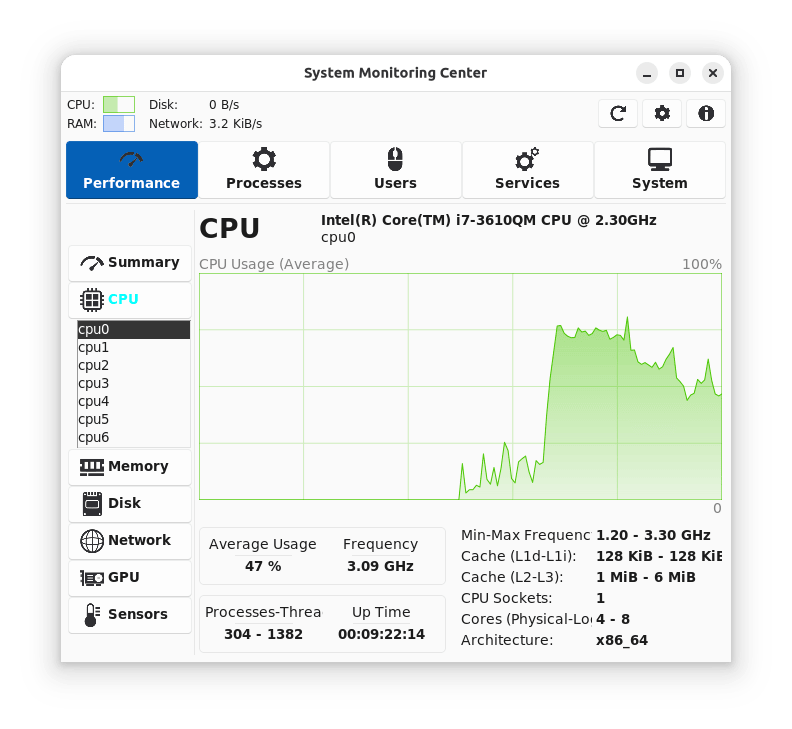
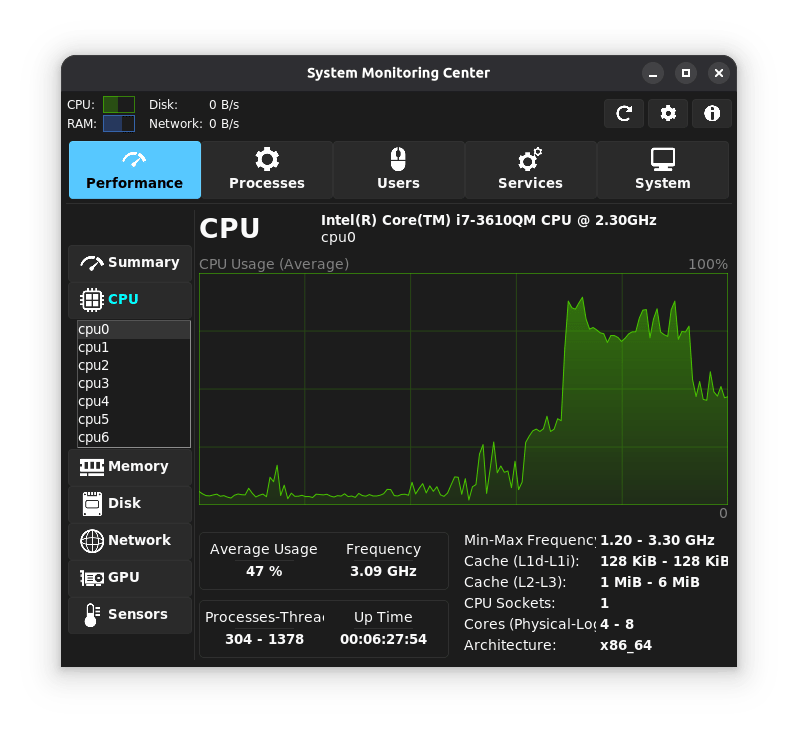
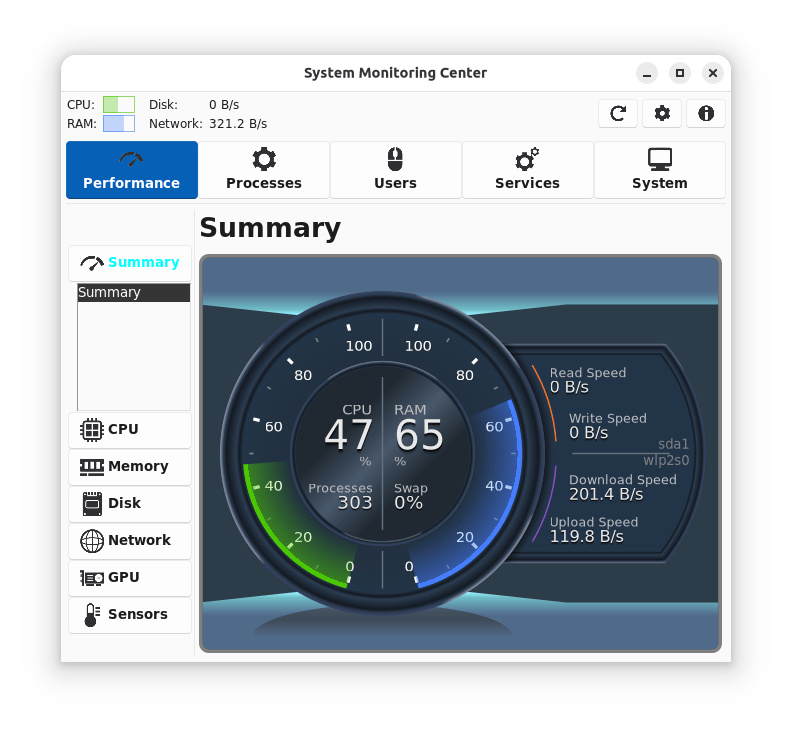
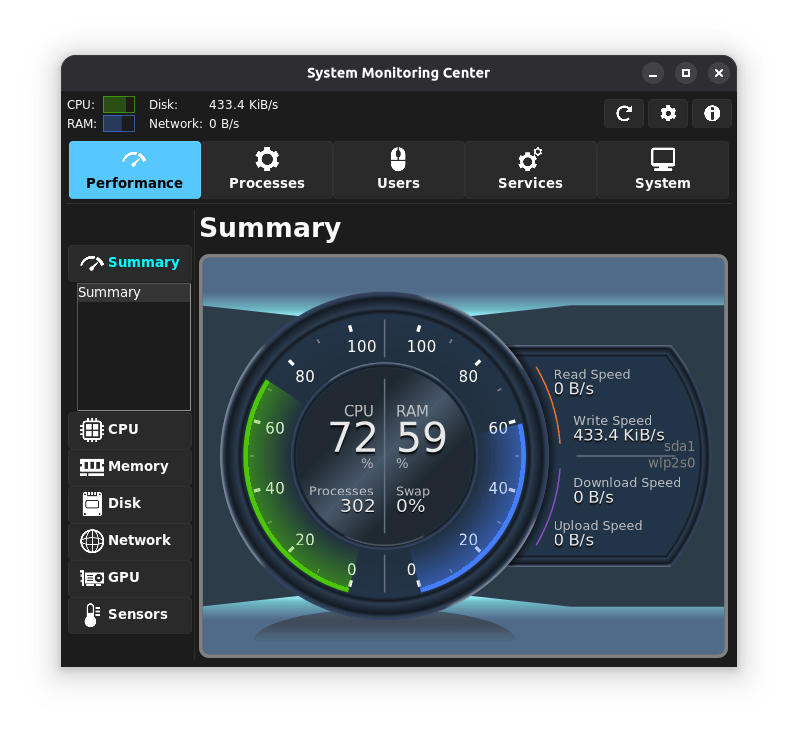
The first thing you notice when launching this application is how cleanly it organizes complex data. Unlike default system monitors that offer basic graphs, the System Monitoring Center Linux system monitor delivers a centralized dashboard detailing your CPU, RAM, disk, network, and GPU metrics simultaneously. It is designed to be lightweight, ensuring that the act of monitoring your system does not itself become a burden on your processor.
Key Performance Tracking Features
- All-in-One Hardware Monitoring: Track CPU core performance, memory distribution, disk read/write speeds, network adapter throughput, and compatible GPU metrics in one unified space.
- Process and Service Management: View running processes as a clean list or a hierarchical tree, and manage systemd services directly from the interface.
- PolicyKit Integration: Perform administrative monitoring actions securely without needing to launch the entire application via terminal command lines or raw "sudo" permissions.
- Interactive Performance Charts: Query specific data points on historical timeline graphs to pinpoint exactly when a resource spike occurred.
- ARM Architecture Support: Fully optimized to run on modern ARM-based hardware alongside standard x86 systems.
Understanding Platform Nuances & Limitations
While the utility is incredibly versatile, a few platform-specific details are worth keeping in mind. GPU tracking capabilities depend largely on your specific hardware vendor and driver configuration. For those running virtual machines, certain low-level hardware metrics like physical sensor data and minimum/maximum CPU frequencies may not be fully accessible. Additionally, choosing a native package over a sandboxed Flatpak container can yield faster start times and lower idle memory consumption.
Is the System Monitoring Center Linux System Monitor Right for You?
If you are a Linux enthusiast, developer, or system administrator who wants granular control over your hardware metrics without configuring complex CLI tools, this application is an outstanding fit. It bridges the gap between simple task managers and heavy enterprise monitoring suites, giving you customizable tabs and interactive performance charts in a highly polished GUI.
To try this powerful open-source utility on your system, visit the official Flathub store page to explore installation options for your distribution.