Budget Planner
Read our expert review of Budget Planner for macOS. Learn how this local finance tracker helps you manage bills, subscriptions, and savings securely.
A Desktop Solution for Personal Finance Management
Picture this: it is the end of the month, and you are staring at multiple open browser tabs, trying to piece together your credit card statements, utility bills, and active streaming subscriptions. Keeping up with personal finances can quickly become overwhelming without a dedicated space. The Budget Planner macOS finance tracker offers a streamlined, desktop-first alternative to chaotic spreadsheets and invasive cloud-linked platforms, keeping your financial life organized in one local workspace.
Complete Control Over Your Expenses and Monthly Budgets
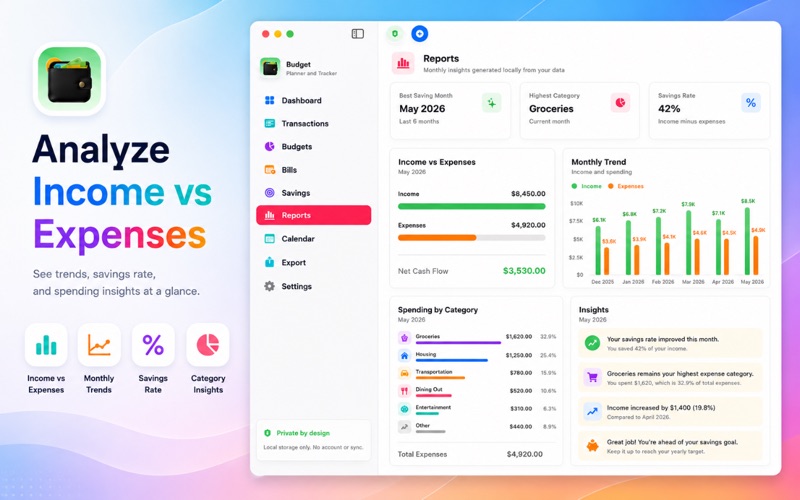
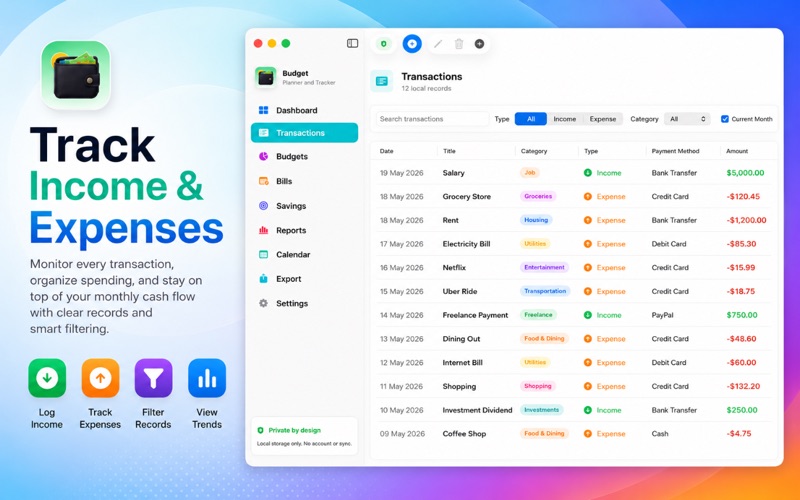
At its core, this software functions as a comprehensive offline ledger. It allows users to record daily income streams and categorized expenses to visualize exactly where their money goes. By setting up custom monthly limits for different categories like dining out, groceries, or travel, you can monitor your progress in real-time and make smarter spending decisions before overspending occurs.
Key Features of the App:
- Expense Tracking: Easily log daily transactions and categorize them to identify spending habits.
- Monthly Budgeting: Set up realistic limits for different categories and track your remaining balance.
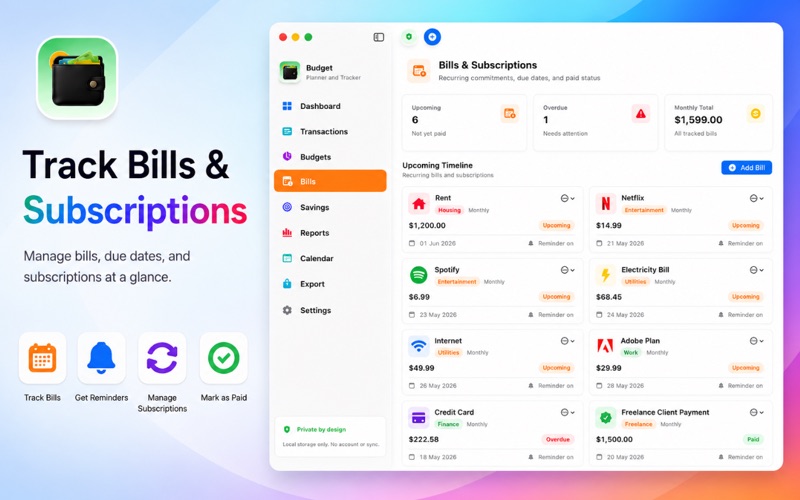
- Bill & Subscription Management: Keep tabs on recurring commitments such as rent, utilities, software plans, and streaming memberships.
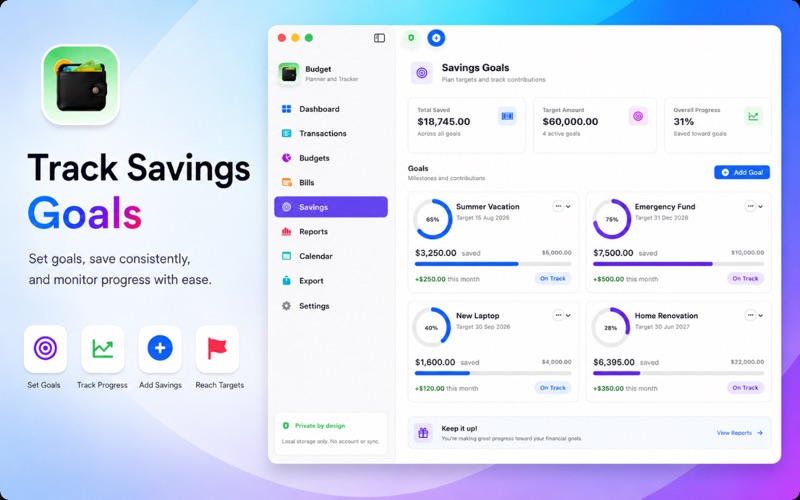
- Savings Goals: Define targets for emergencies, travel, or major purchases, and watch your progress build over time.
- Calendar Integration: View your financial activity on a day-by-day calendar to anticipate upcoming dues and manage cash flow.
Uncompromising Privacy for Peace of Mind
One of the standout design choices of the Budget Planner macOS finance tracker is its strict approach to data security. Unlike many modern financial tools that require linking your bank credentials or syncing data to external servers, this application keeps 100% of your financial records stored locally on your Mac. There are no account registrations required, no mandatory cloud syncs, and no external trackers monitoring your net worth, ensuring your personal data remains entirely private.
Who Benefits Most From This macOS Planner?
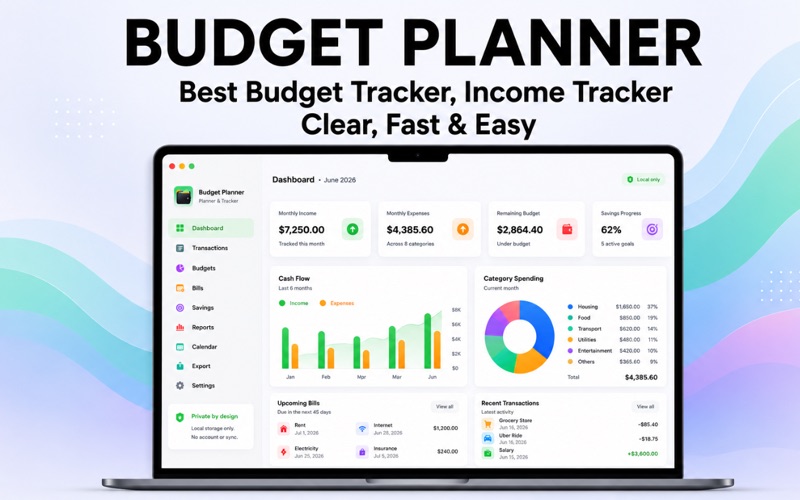
This utility is highly suited for students, freelancers, professionals, and families who prefer the reliability of a desktop interface over mobile-only apps. Its clean visual reports and analytics offer insightful cash flow summaries, making it incredibly straightforward to optimize your savings rate without a steep learning curve.
Get Started Today
If you are looking for a secure, offline, and beautifully integrated desktop app to master your money, this tool is an excellent candidate. To learn more about how you can take control of your financial future, check out the official store page on the Mac App Store to get started.